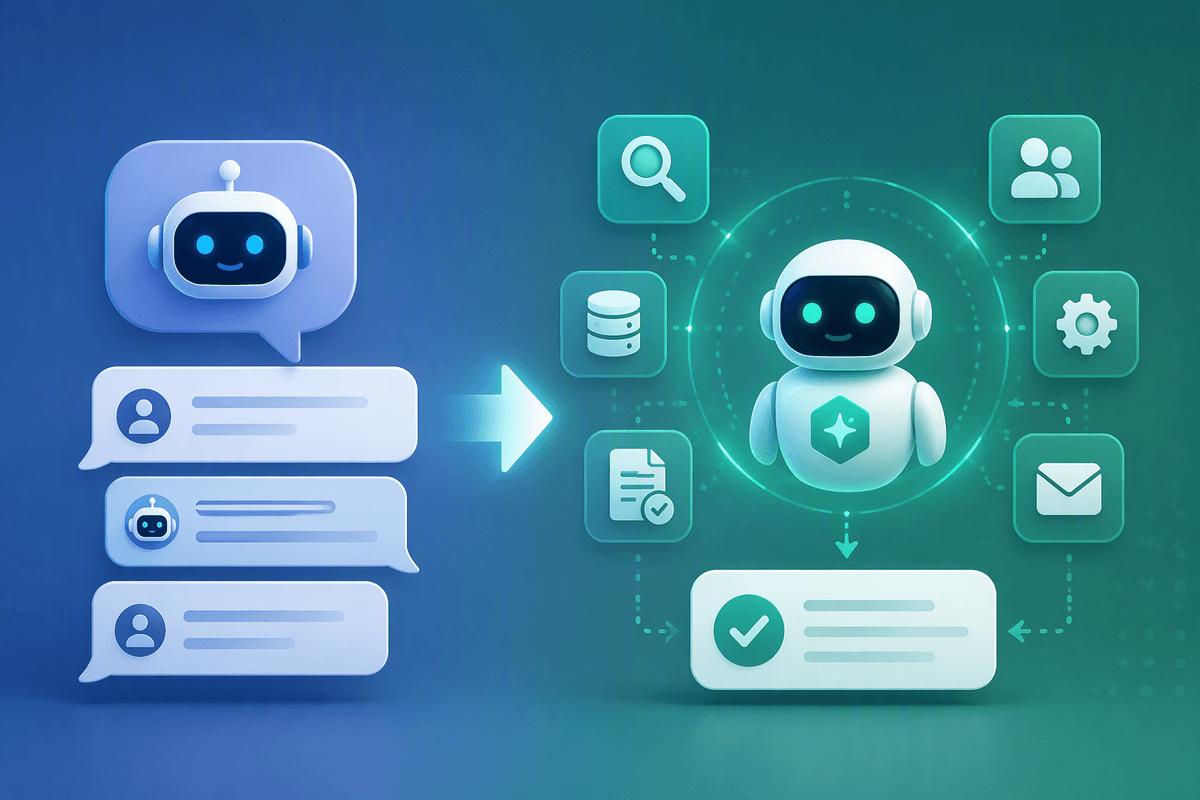
Why OpenVoice made voice cloning feel accessible
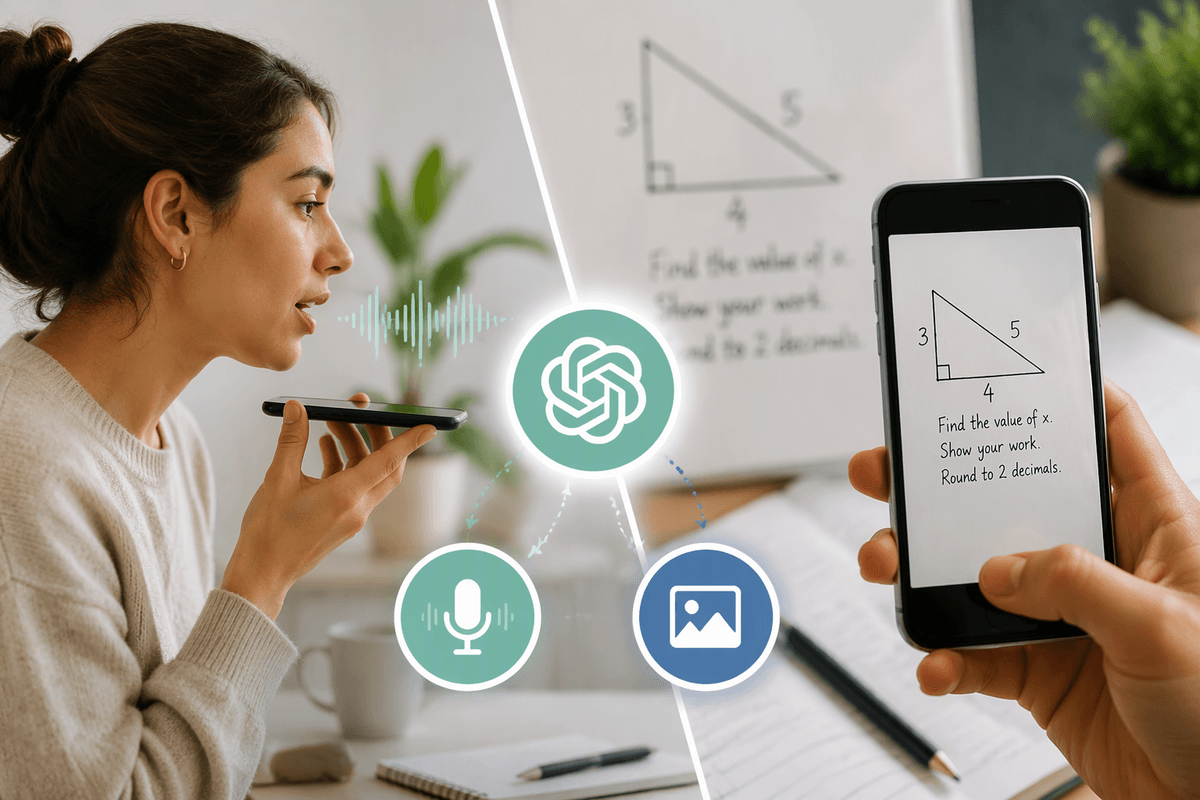
You’ve probably seen demos where someone records a short clip, types a sentence, and a new “version” of their voice reads it back. OpenVoice helped that experience feel reachable because it reduced the perceived barrier: you don’t need a studio dataset or weeks of training to hear something recognizable. Instead, it leans on a pre-trained voice system and uses a small reference sample to steer the output toward a target speaker.
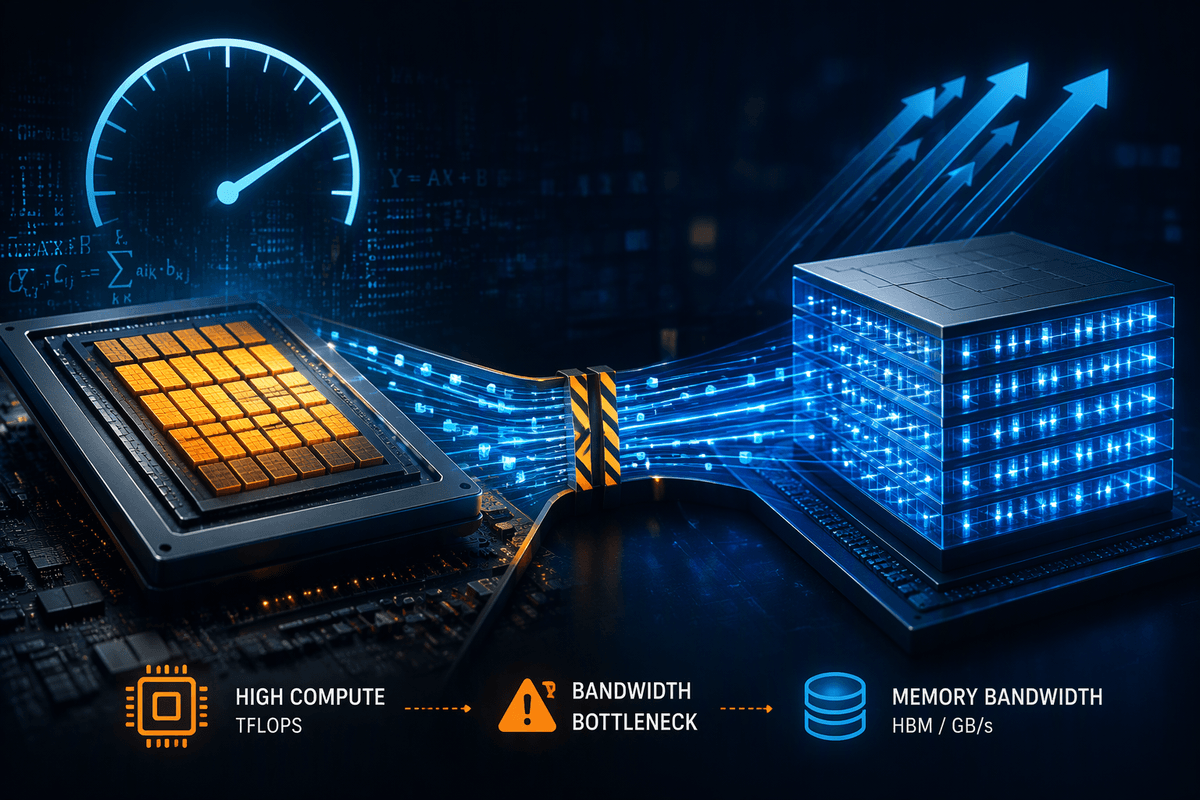
That “accessible” feeling comes with real constraints. The sample still needs clean audio, stable volume, and minimal background noise, and results can drift on strong emotions, singing, or heavy accents. Running it for free also means trade-offs in setup effort and speed, since you may rely on a consumer GPU or slower CPU inference.
What OpenVoice is (and what it isn’t)
OpenVoice is best thought of as a voice “style transfer” layer on top of text-to-speech. You provide text to be spoken, plus a short reference clip that represents the target speaker, and the system tries to shape the generated speech to match that speaker’s timbre and pacing. You’re not training a brand-new voice model from scratch; you’re steering a pre-trained pipeline with a small sample, which is why it can feel fast and “one-shot.”
It also isn’t a perfect copy machine. The output is still constrained by the base TTS model’s pronunciation, prosody range, and language support, so you can get a voice that’s recognizable but not identical—especially across long passages. It won’t reliably preserve nuanced acting choices, laughter, whispering, or singing without artifacts. And “free” usually means you’re paying in other currencies: setup time, dependency friction, GPU memory limits, and slower runtime if you’re stuck on CPU.
The core pipeline: from audio to a new voice
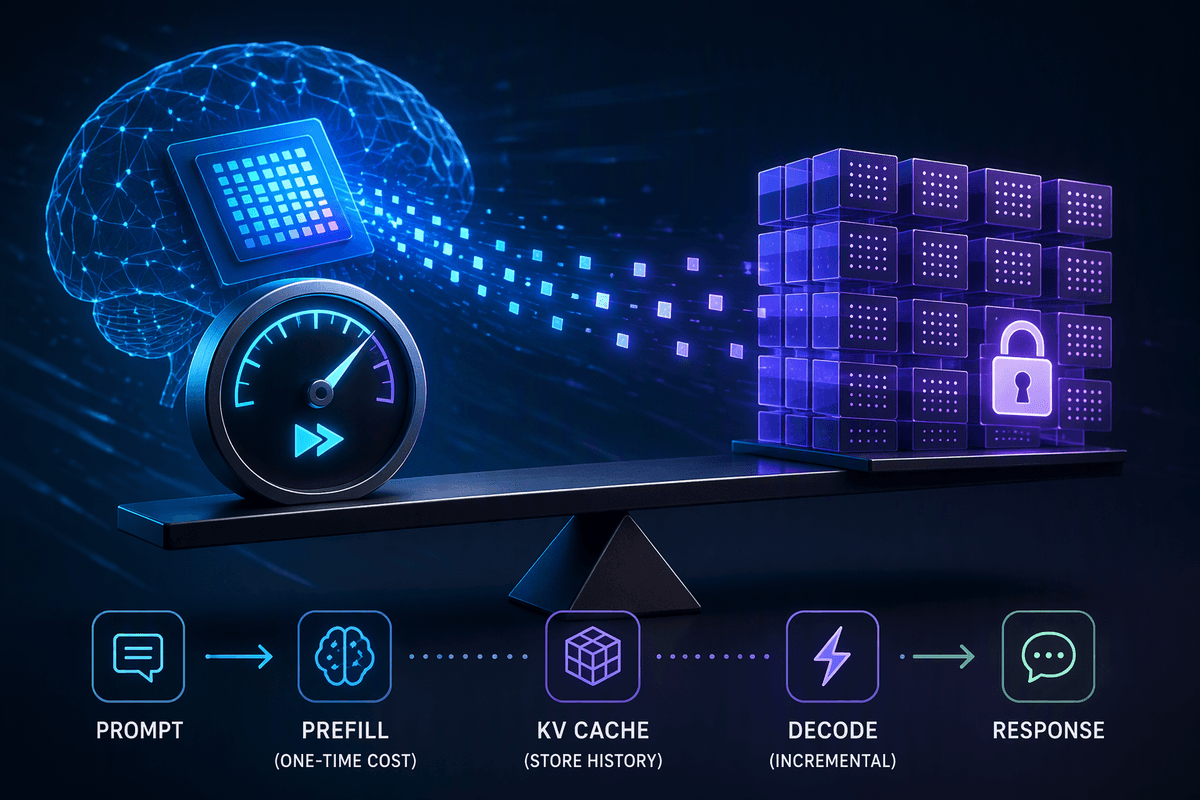
Picture the workflow like making a “speaker-flavored” reading of your text. You start with two inputs: a short reference recording (the voice you want) and the text you want spoken. The reference clip is analyzed to extract a compact voice signature—features that represent timbre and some speaking habits—while trying to ignore the actual words being said. In parallel, the text is converted into a basic synthetic narration by a pre-trained text-to-speech model, which decides pronunciation and a default rhythm.
OpenVoice-style systems then apply that extracted voice signature to the synthetic narration, reshaping it so the same sentence comes out with the target speaker’s color and cadence. Some pipelines add a final “polish” step (often a vocoder-like stage) that turns intermediate acoustic features into a waveform and can reduce buzziness, but it can also introduce warble or metallic edges if the reference is noisy.
In practice, the bottlenecks are mundane: clipping, room echo, and inconsistent mic distance can confuse the speaker signature, and GPU VRAM limits can force smaller models or slower settings that hurt clarity and latency.
What “one sample” cloning really requires
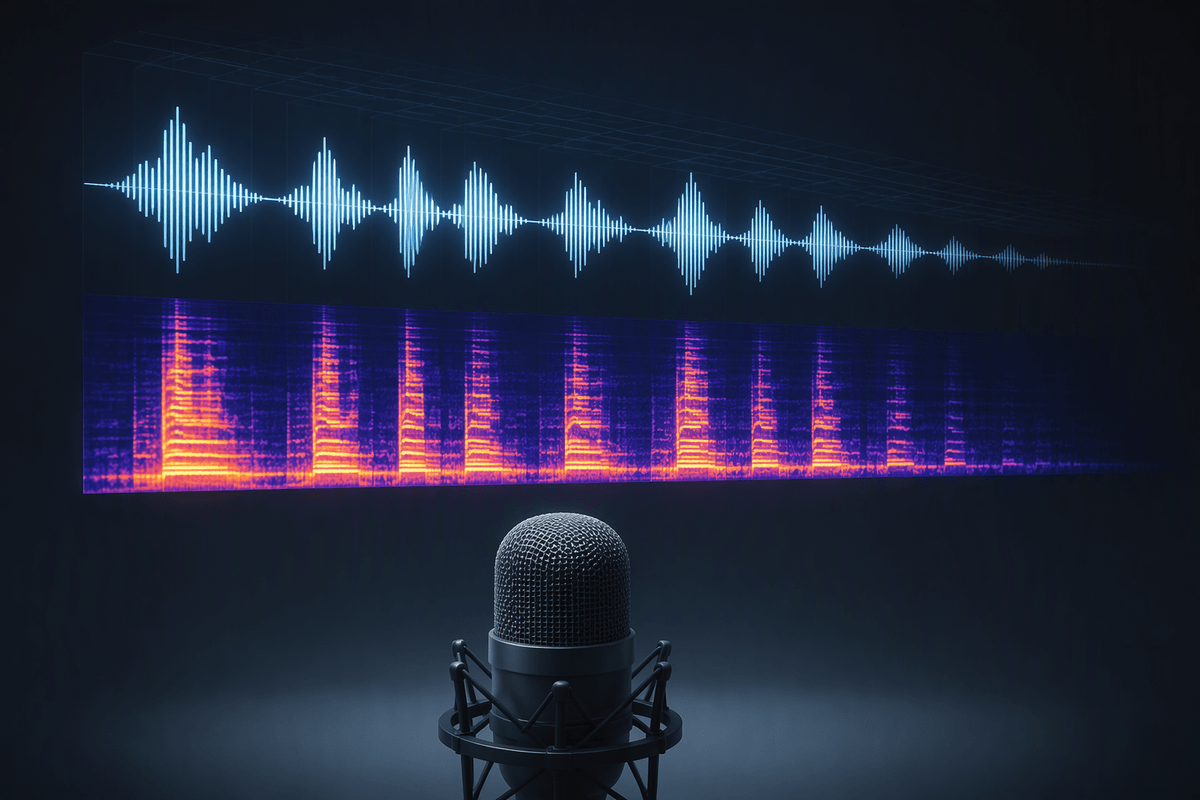
You can usually tell when “one sample” was taken too literally: a 3–5 second phone clip in a noisy room might produce something vaguely similar, but it won’t hold up across a full script. A practical reference is closer to 10–30 seconds of steady speech, recorded at a consistent distance, with minimal room echo and no music underneath. It also helps if the clip matches your intended use—calm narration won’t transfer well into excited shouting, and a whispered reference tends to bake in breathiness you may not want.
Even with good audio, you’re not cloning a person’s full performance range. You’re giving the system enough signal to estimate timbre and a few habits, then asking a separate TTS model to do the heavy lifting on pronunciation and rhythm. You may need to trim silences, normalize volume, and test a few reference takes to reduce drift, mispronunciations, or “metallic” artifacts.
Running OpenVoice for free: realistic setups
The “free” way most people run OpenVoice looks like a local notebook (or a simple Python script) that chains together a base TTS model, the voice-conversion step, and an optional enhancement/vocoder stage. If you have an NVIDIA GPU with enough VRAM, you can usually get usable latency for short lines and iterate quickly on reference clips. On CPU-only machines it still runs, but it becomes a batch workflow: you generate, wait, listen, tweak text or reference audio, and repeat.
A realistic no-cost setup is a consumer Windows or Linux PC with a midrange GPU, or a time-limited free cloud GPU if you can tolerate session resets and storage hassles. The friction isn’t the model download; it’s the environment. Expect to spend time on CUDA/PyTorch version matching, audio toolchains (FFmpeg, soundfile), and memory tuning, and to hit limits when you try longer scripts.
Plan around those constraints: keep lines short, render overnight if needed, and treat “free” as a prototype tier—not a dependable production pipeline.
Quality tradeoffs: similarity, emotion, accents, and artifacts
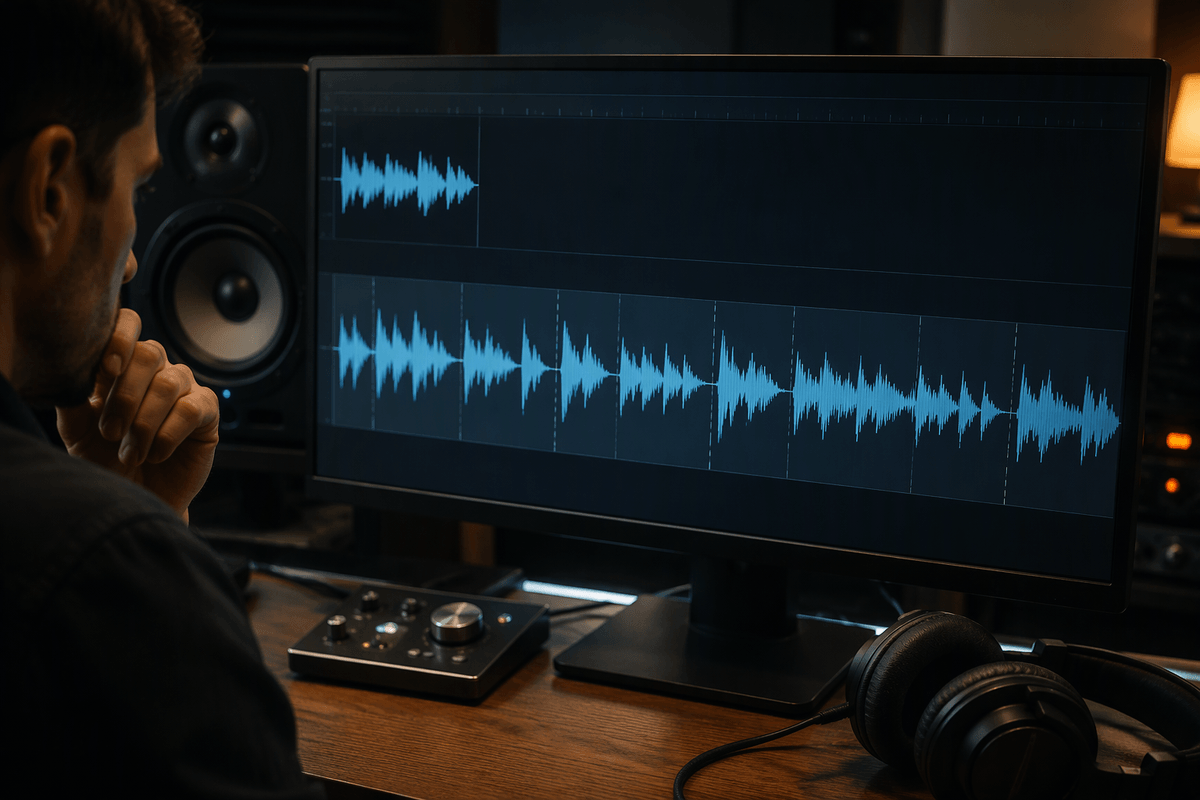
You’ll usually feel the tradeoffs most when you compare a short, “impressionistic” clip to a longer read. OpenVoice-style cloning can lock onto timbre quickly—vowel color, brightness, a bit of rasp—but it often loses the smaller identity markers that make a voice unmistakable, like consistent sibilants (“s” sounds), micro-pauses, or how someone lands sentence endings. Similarity is also uneven: a line that matches well in the middle of a paragraph can drift on the first word, on names, or after punctuation where prosody resets.
Emotion is the biggest gap for most creators. The base TTS decides emphasis and rhythm, so anger, excitement, sarcasm, or tenderness won’t transfer just because the reference actor can do it. You can push with punctuation, capitalization, or rewritten phrasing, but it’s still “text-driven acting,” and pushing too hard often triggers strain, pitch wobble, or breathy glitches.
Accents and multilingual lines are a double constraint: the TTS model’s pronunciation rules plus the reference speaker’s traits. Expect artifacts like metallic ringing, watery warble, chopped consonants, or robotic tails on long vowels. Cleaning these up costs time—more takes, tighter line-by-line rendering, and occasional manual editing in an audio editor.
Safety, consent, and where to go next
At some point you’ll be tempted to “just test” a celebrity clip or a coworker’s podcast voice. Treat that as a hard stop: get explicit permission, in writing, and keep the scope clear (what lines, what platform, what duration). Even with consent, label synthetic audio in your description or credits, because a realistic clone can travel far beyond the original context once it’s shared. Also plan for mistakes: your output may mispronounce names or imply emotion the speaker didn’t intend, which can create real reputational risk.
If you want to move from demos to projects, build simple guardrails: only use voices you own or are licensed to use, store reference clips securely, and keep a “human review” step before publishing. When quality or accountability matters, consider a safer alternative: record the actor once and use editing, cleanup, and light voice conversion only for fixes—not for full synthetic performances.