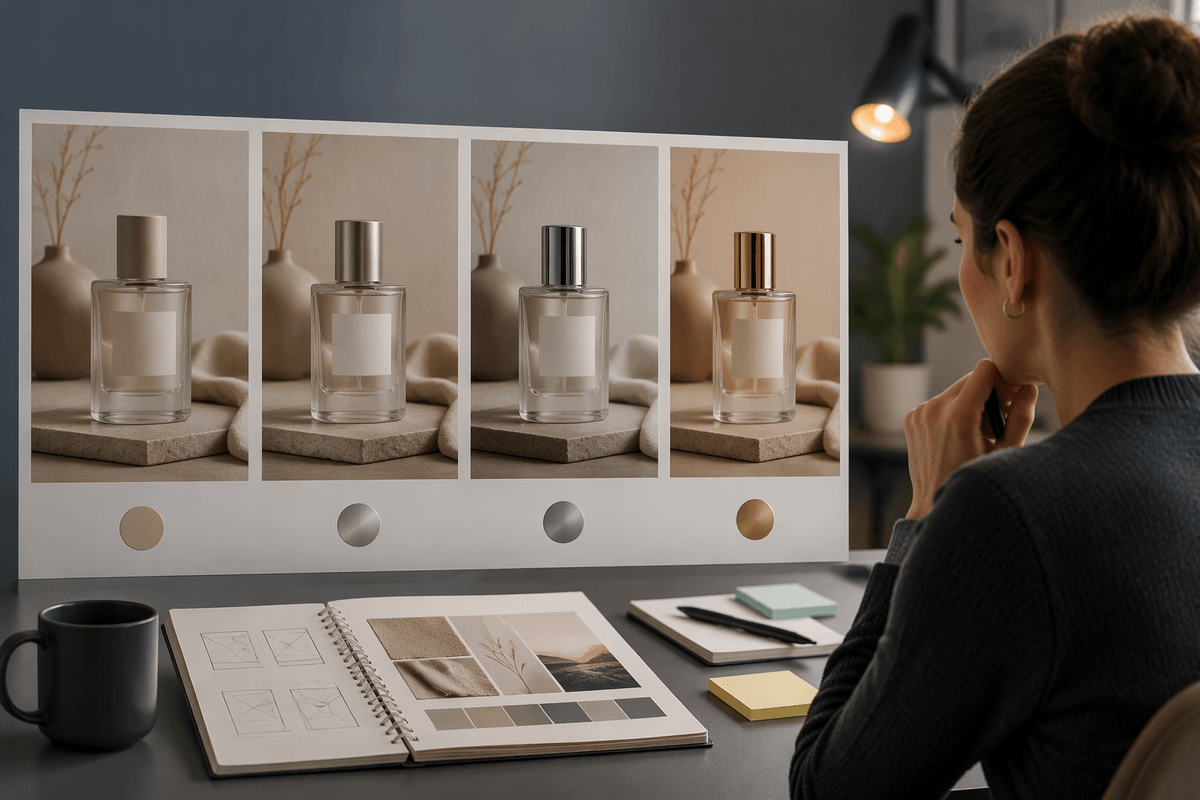
Why image reviews slow down in the first place
You know the review is going to drag when the options don’t feel like they belong to the same question. One image is a close-up, another is a wide shot; one is warm and soft, another is cool and harsh; the subject’s pose, props, or even identity shifts between versions. Now the team isn’t comparing A vs. B. They’re debating what the brief actually is, and every comment turns into a rewrite request.
Inconsistent variations also break feedback. “Make it more premium” is hard to act on when three variables changed at once, so the next round comes back with surprises. The cost is time: longer meetings, more async threads, and extra production just to rediscover which direction was working.
What “consistent variations” actually means in practice
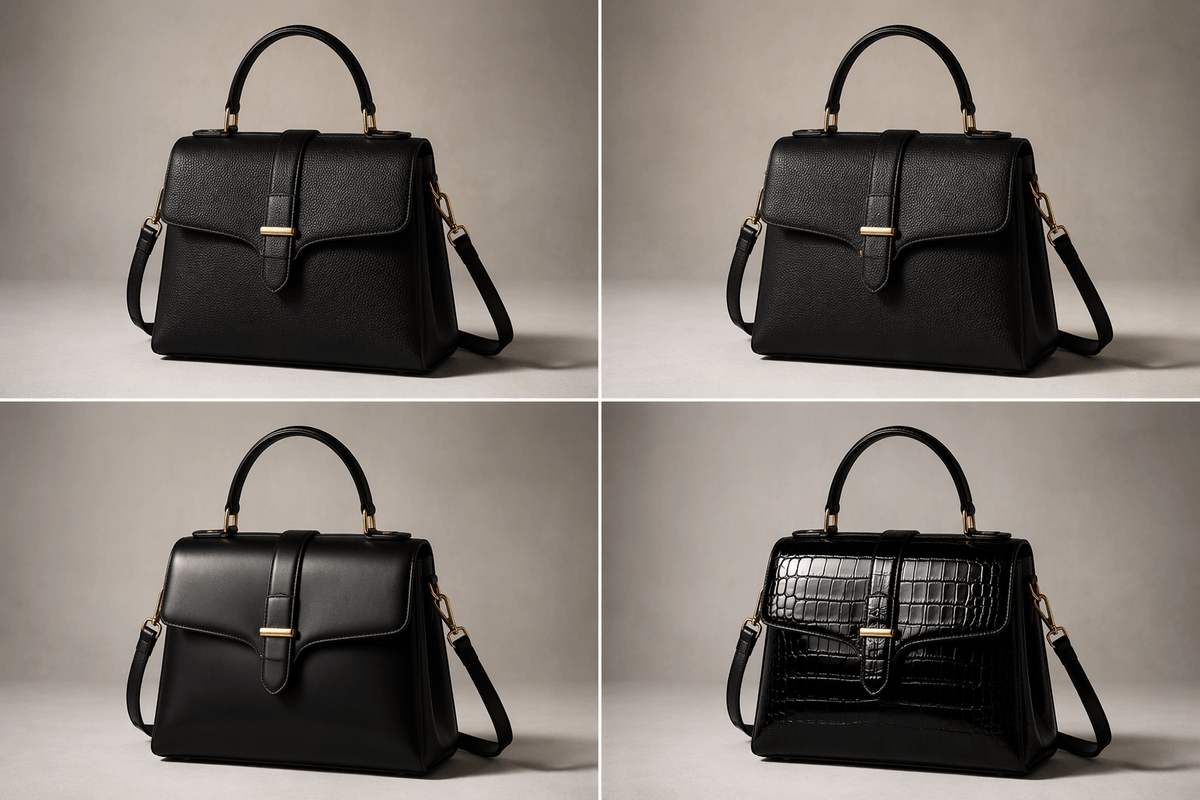
In practice, “consistent variations” means each option keeps the same base image logic so differences read like deliberate choices, not accidents. The camera distance stays stable, the subject stays recognizably the same, the lighting direction doesn’t flip, and the environment doesn’t jump between locations or eras unless that’s the one thing you’re testing. If you’re exploring “more premium,” you might hold composition, pose, and palette steady while swapping only materials, styling details, and typography treatment.
A useful test is whether someone can scan four images for five seconds and say what changed without squinting or asking for context. If they can’t, you don’t have a variation set yet—you have four separate concepts. Generating or producing controlled options takes more setup (references, prompts, locked crops), but it pays back by making the review fast and the feedback executable.
Pick the variables you’re allowed to change
People default to “explore everything” because it feels creative, but it makes evaluation impossible. Instead, decide what’s locked before you generate or commission options: crop/aspect ratio, camera angle, subject identity, key lighting direction, and overall art style. These are the foundation variables; if they move, you’re no longer testing a direction, you’re reopening the brief. Then pick the small set you’re actually allowed to change for this round—usually one primary variable and one supporting one. For “more premium,” that might be materials (matte vs. gloss), styling (wardrobe, props), and type treatment, while keeping composition and lighting fixed.
Write the allowed changes down in the request and put them in the filename or version notes. It feels like extra admin, but without that constraint you’ll pay for it later in meeting time, rework, and the quiet drift of “we’re not sure what we’re looking at anymore.”
Design a variation set people can compare quickly
You’ve probably seen the “wall of options” approach: twelve images, all slightly different, and nobody can tell what they’re meant to compare. A faster pattern is a small, readable grid—usually 4 or 6 options—where each image represents a clear step on the same axis. If the primary variable is materials, make the set “matte / satin / gloss / metallic” with everything else locked. If the primary variable is styling, keep it to “minimal / elevated / bold / luxe” rather than mixing styling, camera angle, and background changes in the same row.
Keep the display consistent, too: same crop, same scale, and ideally the same background tone so edges and contrast don’t trick the eye. Arrange options so the story is obvious (left to right: conservative to aggressive), and label them A–D with one-line descriptors. You’ll throw away “interesting” outliers that don’t fit the set, but that’s what keeps the review a comparison instead of a debate.
Make feedback specific with shared labels and anchors
Once the set is comparable, the bottleneck becomes language. “I like B” doesn’t travel well to the next round unless everyone agrees what B represents. Give each option a short label that names the variable you’re testing, not a vague vibe: “B: satin material, cooler grade” or “D: bold styling, heavier shadow.” In the doc or board, keep a tiny legend that lists what’s locked (crop, angle, subject) and what’s changing, so feedback stays on-axis.
Add anchors people can point to without interpreting. Use callouts or numbered markers for specific areas: “2 = logo emboss depth,” “4 = highlight on cheek,” “6 = background grain.” Then you can ask for actionable deltas: “Keep A’s composition, move 2 halfway toward C, and match D’s contrast.” The practical cost is a few minutes of prep per set, but it prevents long comment threads where everyone means something different by “premium.”
Avoid the common traps that ruin consistency
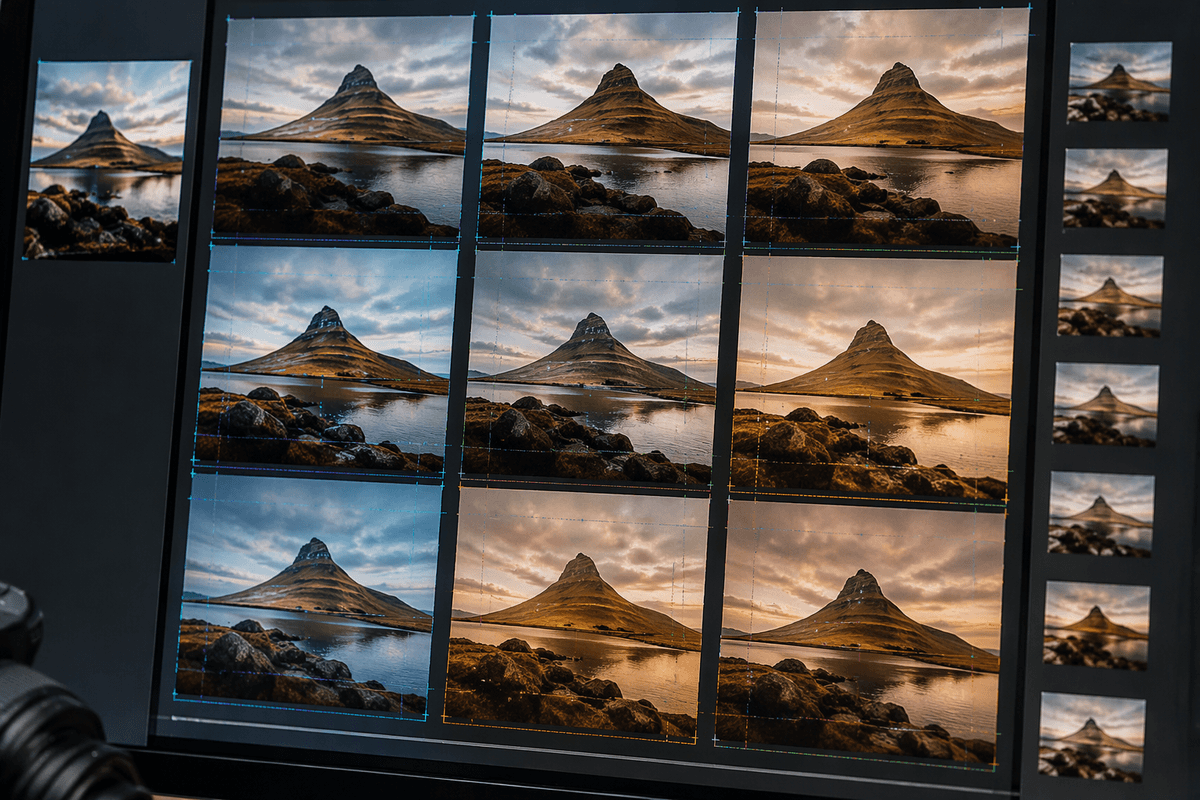
You’ll lose consistency fastest when someone slips in a “just to see” outlier. A different lens feel, a dramatic lighting flip, a new background location, or a changed subject face might be a good idea, but it’s no longer part of the comparison set. Park those in a separate “concept bucket” so they don’t contaminate a directional decision.
Another trap is hidden drift across rounds. A crop nudges, a color grade warms, typography changes, and suddenly you’re reacting to accumulated tweaks instead of the one variable you meant to test. Treat anything locked as literally locked: reuse the same base file, same guides, and the same prompt fragments or reference images. Don’t rely on memory—write the lock list on the board.
Finally, avoid overloading the set. If you can’t name the single question the grid answers, you’re asking for opinion instead of evaluation. Fewer options with clean labels beats eight “interesting” ones that require a meeting to decode.
Turn consistency into a repeatable review habit
The habit is simple: every review starts with a locked list, a named axis, and a small grid. Make a reusable template with three fields: “Locked,” “Changing,” and “Decision needed today.” Require filenames that carry the axis and level (Material_Matte_A, Material_Gloss_D) so comments survive Slack and email. End each review by recording one sentence: “We chose C because ___,” plus the one change request for the next round. Someone has to enforce the lock list and reject off-axis options—but that’s exactly what keeps cycles short.